


Well, I figured that I would try to save a little bit of $$$ and get some more notches in the tech belt and install the new keyboard on my Powerbook myself. I used the great guides (as previously mentioned) at iFixIt.com. I definitely recommend them. Anyway, the installation went relatively well, but I had to do it twice (the second time was a lot easier).
One thing that was left out of a few of the install guides that I looked at was the fact that on the replacement keyboard, there is some nondescript black tape that should be removed. If it isn’t removed, the backlit keyboard isn’t fully lit. I found that out the hard way.
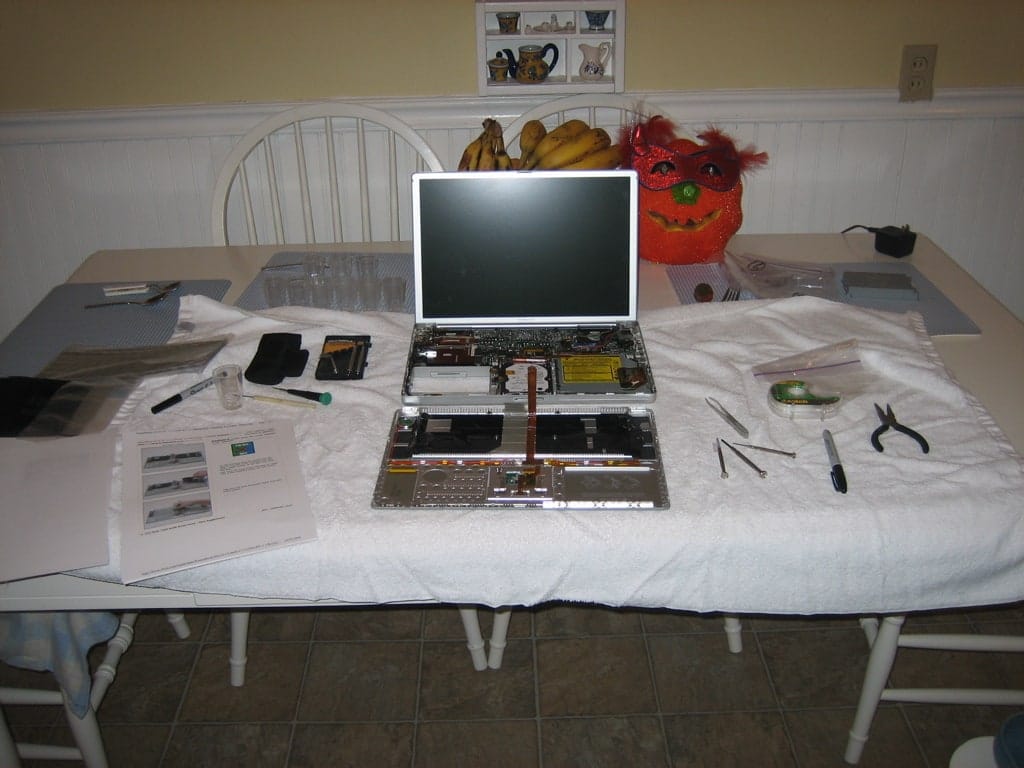
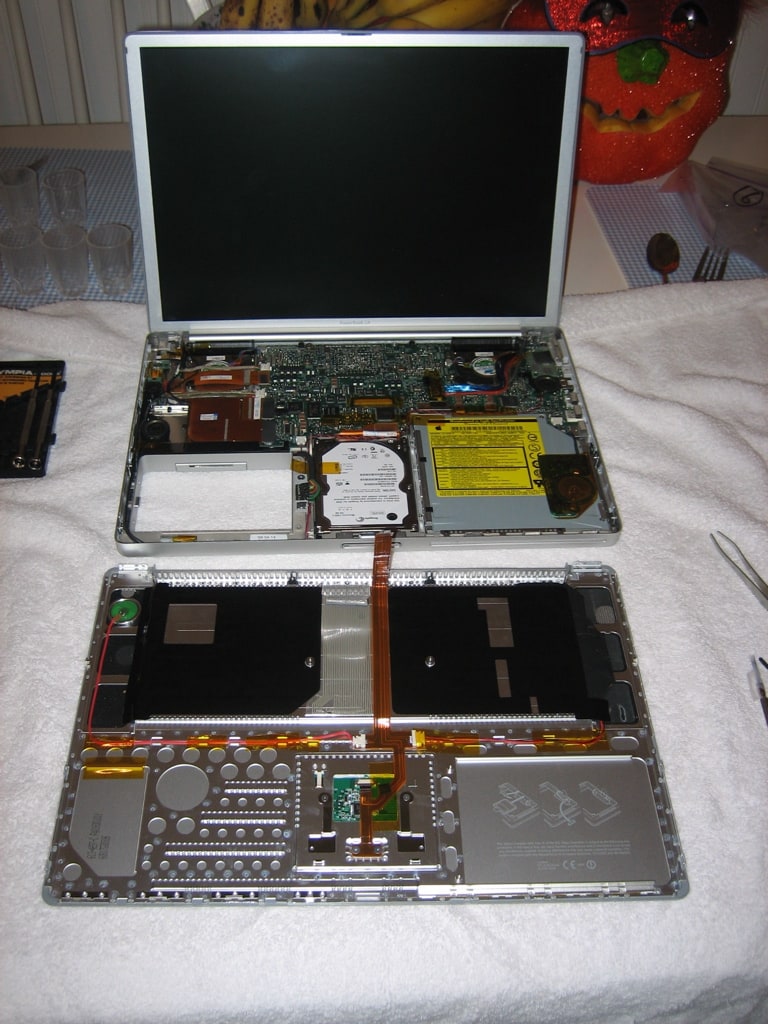
Anyway, keyboard is installed and I’m breaking it in. Here are some pictures of it fully cracked open on the operating table…I feel pretty good about this one!


6 comments
Michael
RE: “BUG!! Hm.. text got cut off after submitted an incorrect password below.. it stopped at the †for some reason..”
Gotta love WP plugins that are suppose to work! Oh well….guess it’s time for some QA!
hightechdad
RE: “BUG!! Hm.. text got cut off after submitted an incorrect password below.. it stopped at the ” for some reason..”
Gotta love WP plugins that are suppose to work! Oh well….guess it’s time for some QA!
Wilson
…Hey, I saved $$ and learned a thing or two”.
One tip for all mac users is if you press and hold “apple” + “option” + “ctrl” and press “8”, you’ll reverse the color from white to black. Helps at night when you don’t want to disturb others at night.
BUG!! Hm.. text got cut off after submitted an incorrect password below.. it stopped at the ” for some reason..
Wilson
…Hey, I saved $$ and learned a thing or two”.
One tip for all mac users is if you press and hold “apple” + “option” + “ctrl” and press “8”, you’ll reverse the color from white to black. Helps at night when you don’t want to disturb others at night.
BUG!! Hm.. text got cut off after submitted an incorrect password below.. it stopped at the ” for some reason..
Wilson
Kick ass Michael! :) congrats on doing it yourself. Nothing is more gratifying than saying \
Wilson
Kick ass Michael! :) congrats on doing it yourself. Nothing is more gratifying than saying