
“Mobile” collection
Stay connected with comprehensive reviews and guides for the world’s leading smartphones and tablets, including the latest from Apple and Android ecosystems. From hardware performance to mobile software optimization, this hub covers everything you need for a powerful on-the-go experience.
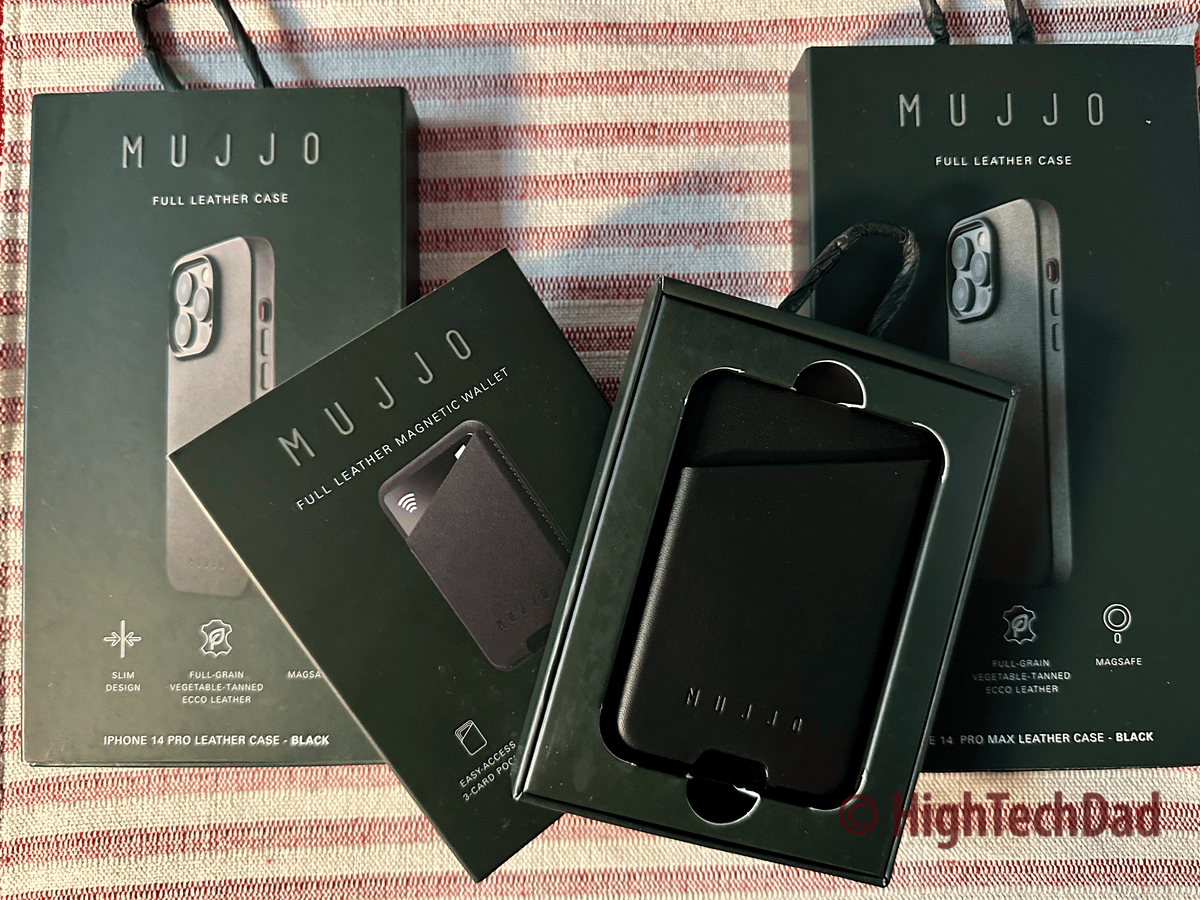
Got a New iPhone 14? Get the Mujjo Leather Case
Review of the Mujjo Leather Case for iPhone 14 Pro and iPhone 14 Pro Max and Magnetic Wallet, which provides luxurious elegant protection.
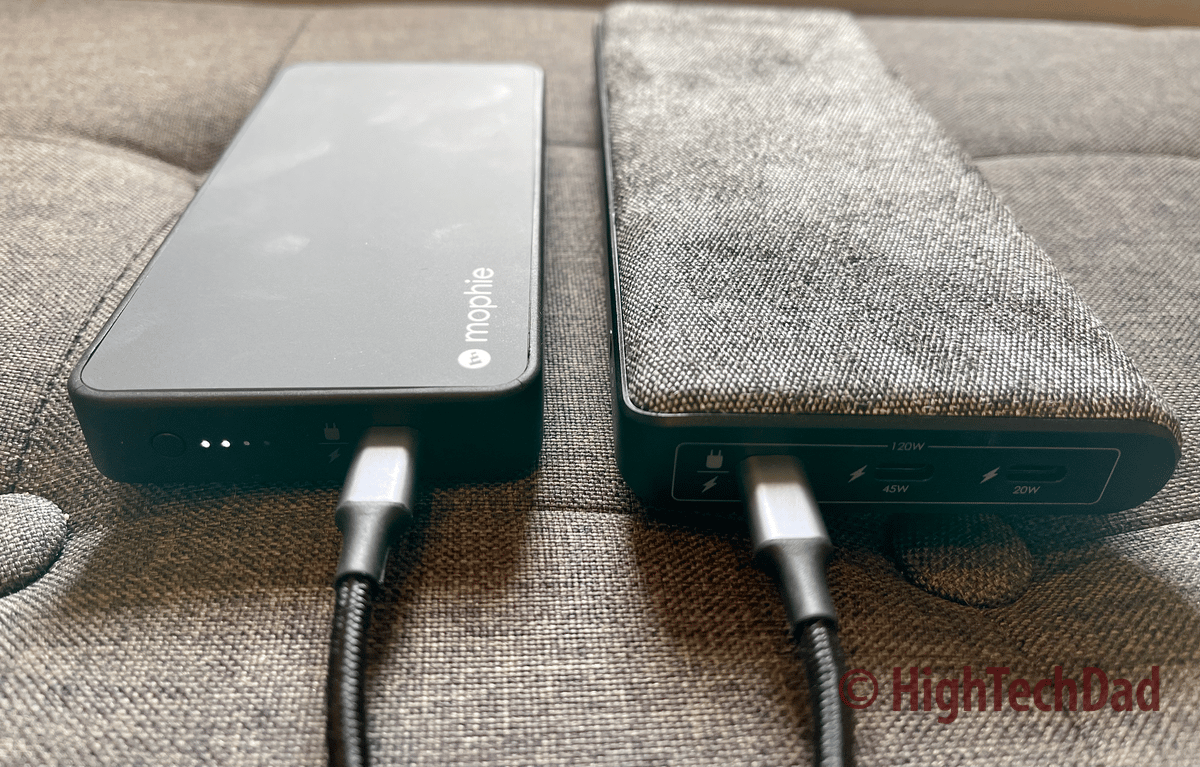
These 2 Mophie Powerstation Battery Solutions Provide On-Demand Power for
Review of the Mophie powerstation pro XL and the Mophie powerstation plus - two portable battery solutions to reduce the away-from-the-plug anxiety.
ZIKE MagSafe Charging Stand with 1 Game-Changing Feature – Pre-Production
The ZIKE MagSafe Charging Stand (pre-production model reviewed) can sustain longer and faster charging at 15W due to a built-in fan.

Which iPhone Should You Get? HighTechDad Apple 2021 Upgrade Recommendations
Confused as to which iPhone to get or upgrade to? HighTechDad offers recommendations and insights into your iPhone upgrade options & choices.

Levitate & Charge your iPhone 12 & AirPods – HyperJuice
Review of the HyperJuice Magnetic Wireless Charging Stand which using MagSafe, securely holds your iPhone 12 & wirelessly charges it. The base also charges AirPods.

9 Reasons to Upgrade to the iPhone 12 Pro Max
Want to upgrade to the iPhone 12 Pro Max? This article has 9 reasons to upgrade as well as several important upgrade questions to ask about what type of upgrade…

Unlock your iPhone with a Facemask on? You Can (Soon)
How to unlock your iPhone using an Apple Watch. New iOS and watchOS updates allow for iPhones to be unlocked even when a face is covered with a mask using…

7 Fantastic Features of the Lenovo Chromebook Duet – Review
The Lenovo Chromebook Duet is both a tablet and a laptop. This review talks about 7+ great features of this reasonably-priced, portable, 2-in-1 Chromebook.

iPhone Not Charging? It could be iPhone Navel Lint! –
This how-to fix it article provides a non-technical solution for a common iPhone not charging issue. Try this solution first before attempting other technical fixes.

If you use the Sleep or DND functions on your
If you use sleep or wind down functions, be sure to review your Do Not Disturb (DND) settings to let the right calls to get through. Here's how!


