“Articles” collection
Access a diverse collection of expert-led technology reviews, step-by-step tutorials, and insightful commentary on the intersection of modern tech and family life. This hub serves as the primary source for hands-on evaluations and practical advice designed to help you navigate the digital world with confidence.
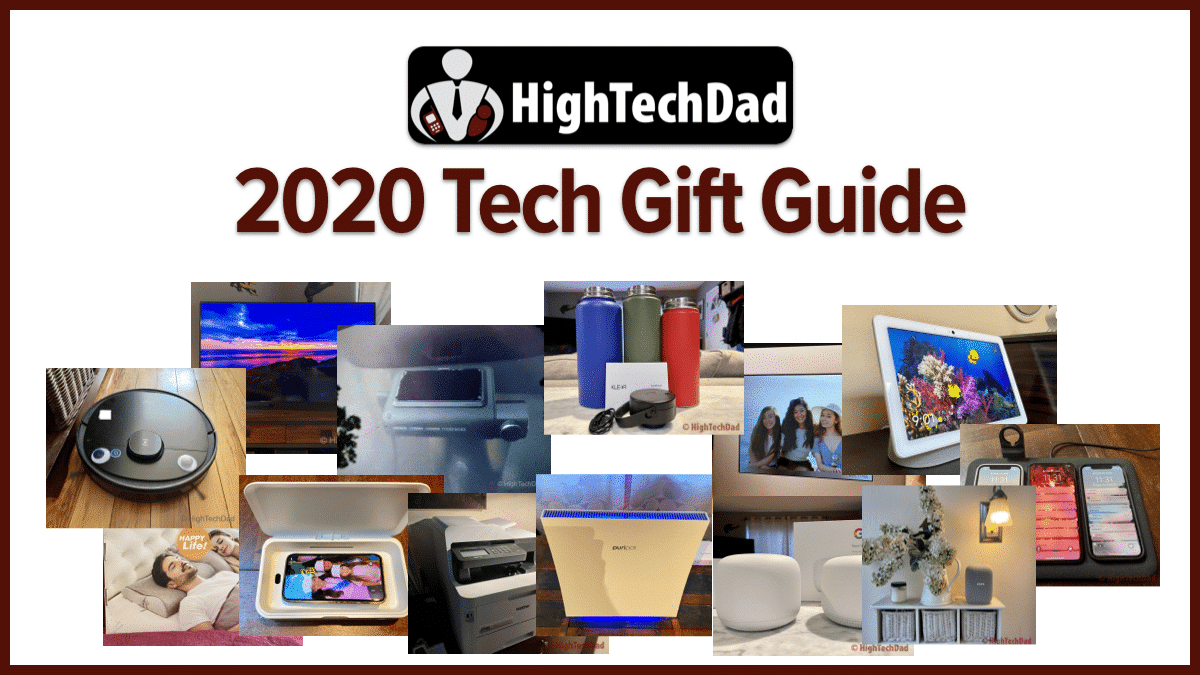
HighTechDad’s 2020 Tech Gift Guide (Updated)
HighTechDad's 2020 Tech Gift Guide - a list of gadgets, smart home devices, and other technology that have been reviewed on HighTechDad over the past year.
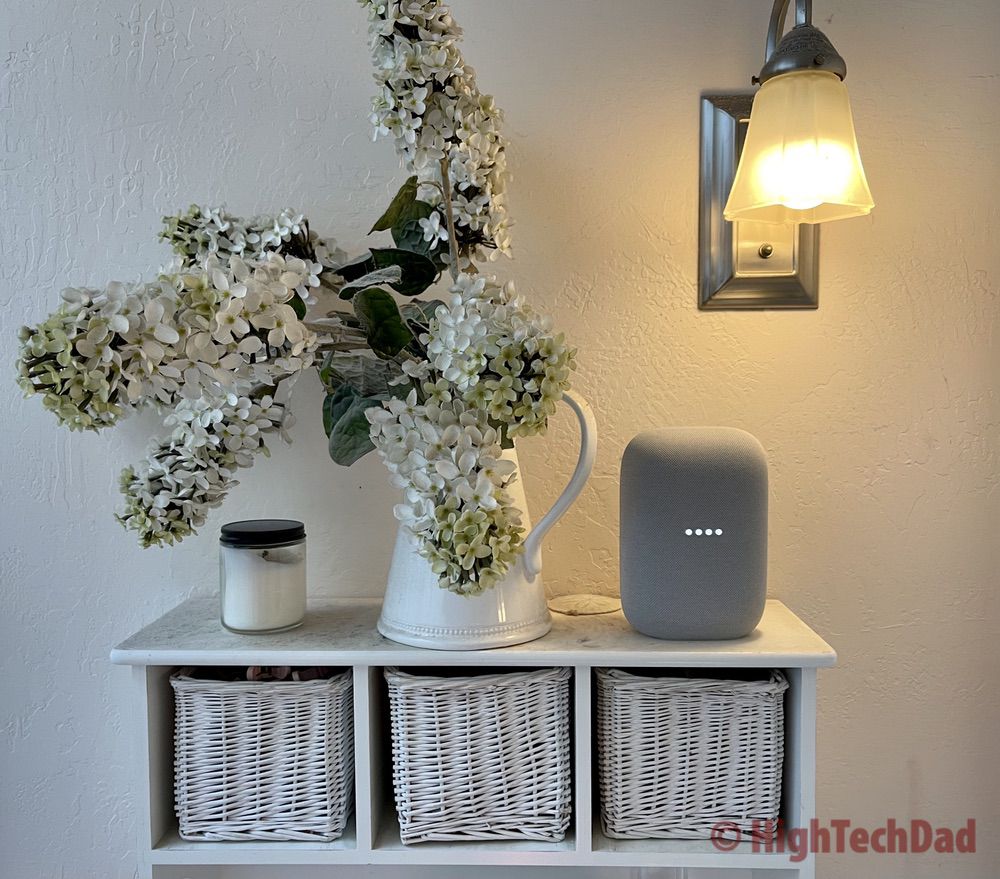
Sounds Fantastic & it’s Smart! Review: Nest Audio Smart Speaker
Review of Nest Audio smart speaker, the next generation of Google Home speaker. Easy to set up & even easier to listen to since the sound quality is fantastic.
Mophie 4-in-1 Wireless Charging Mat Review – Charge Up Everything!
Review of the Mophie 4-in-1 Wireless Charging Mat which can charge up to 4 devices wirelessly. Charge an Apple Watch too with USB-A port in back & included holder.

How To Get Rid of that Stinky Water Bottle Smell
Review of the Klear Cap which uses UV-C LED blue light to remove smells, viruses, bacteria, and germs from wide-mouthed reusable water bottles.

Ok Google, Enable Simple WiFi Setup with Nest Wifi –
Review of the Google Nest Wifi mesh router and point, an extremely easy to set up, configure & use mesh Wifi router. It supports Google Assistant too!

iPhone Not Charging? It could be iPhone Navel Lint! –
This how-to fix it article provides a non-technical solution for a common iPhone not charging issue. Try this solution first before attempting other technical fixes.

Look! No filter required! Review: Puripot airFrame F1+ Air Purifier
Review of the puripot airFrame F1+ air purifier which detects & removes VOCs as well as viruses & bacteria. The best feature? No replacement filter to purchase!

Searching for Ghosts at Winchester Mystery House in the 2020
Review of the 2020 Chevy Bolt EV - tested on a road trip to the Winchester Mystery House. Insights after 10 days with this fun, peppy, and gadget-filled electric vehicle.
Great Multi-Purpose Laser Printer for Home Business or Schooling –
Review of the Brother MFC-L3770CDW all-in-one multifunction printer/fax/scanner/copier - a perfect fit for home business or homeschooling environments.
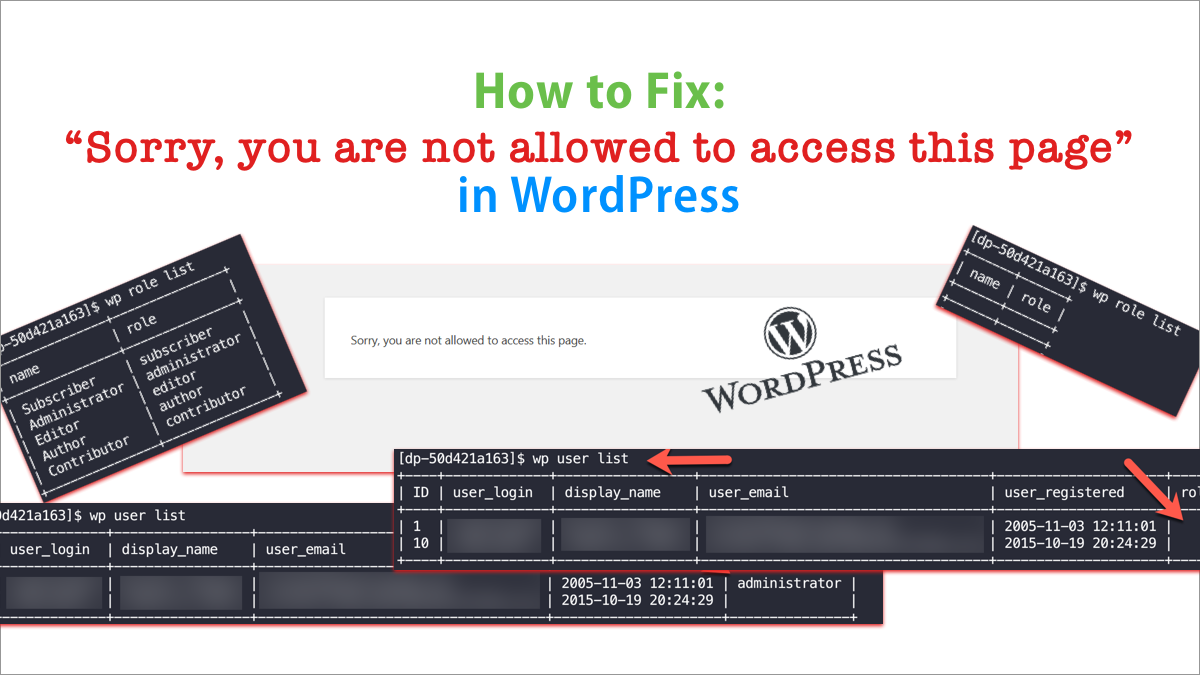
Hidden WordPress Fix for “Sorry, you are not allowed to
How to fix "Sorry, you are not allowed to access this page" on WordPress using WP CLI to easily repair missing items within WordPress.