
“Application” collection
Optimize your digital experience with in-depth evaluations of the latest software and mobile applications. From productivity suites to family organization tools, these reviews focus on functional utility and user experience across various digital platforms.
HTD Tech Briefs
View all →December 5, 2012
Honeywell’s WiFi-Enabled Thermostat is Hot, Cool, Controlled Remotely & Easy to Install
Here is the scenario. It's the early morning in the winter. You are snuggled warm in your bed but outside of the comfort of your blankets, your house is cold. The last thing you want to do it to have to get out of bed and turn on the thermostat to heat the house. So you just hope for someone…
Read more →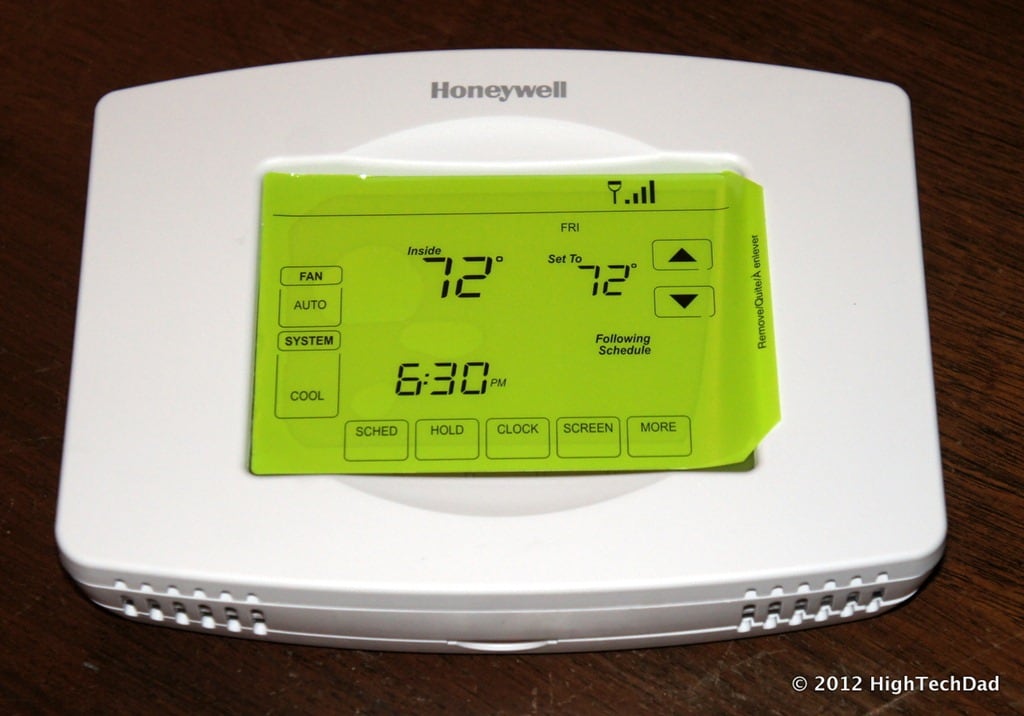
December 4, 2012
7 Essential Windows Hotkey Keyboard Combinations You Should Know and Use
I'm all about working efficiently when I'm on my computers whether they are Macs or PCs. And, for some reason, I simply hate having to drag my mouse over to an application or button to do something that should be quick. Luckily, both Apple and Microsoft have built in a series of hotkey commands or keyboard commands to save you…
Read more →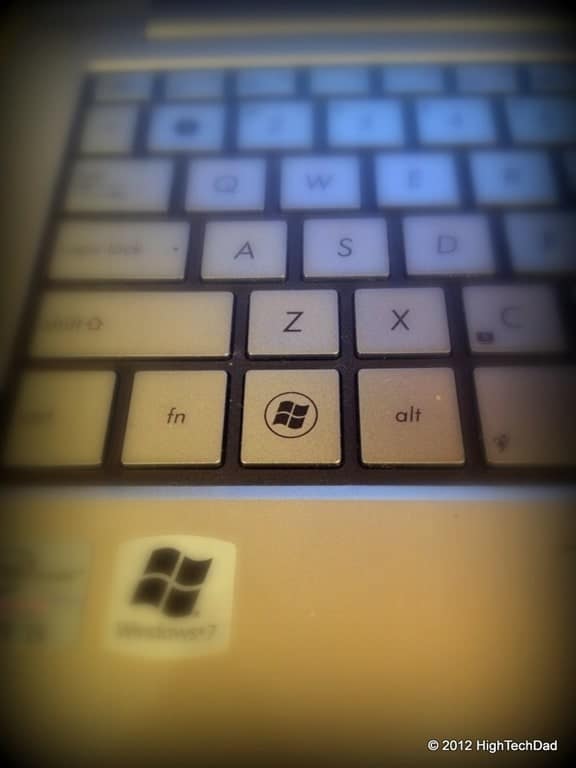
November 19, 2012
Silent but Effective – ESET Cybersecurity for Macintosh
I don't know how many different types of Anti-Virus or security software I have tested over the years. I would guess that it's in the 20's. There are a lot of great providers out there, some paid and some free. Those people who have computers but don't have ANY anti-virus software are destined to a severe, brutal and ugly day…
Read more →November 12, 2012
Get Your Game On with the PlayMG, an Android-based Gaming Device (#Giveaway Too!)
I would be surprised to find a kid that doesn't play games on some sort of an hand-held device. They are either borrowing their parents smartphones or tablets and playing game apps there, have their own smartphone or hand-held gaming device devoted purely to gaming, or using some sort of other gaming outlet like a gaming console or a computer.…
Read more →
November 8, 2012
How To Find Where Outlook Stores Temporary Attachments – Ones that Don’t Appear in “Recent Items” in Microsoft Office
Here's the scenario. You receive an email attachment in Microsoft Outlook. You open that attachment directly from the email message, make a bunch of edits (and perhaps save them along the way) and close your Office document. Then a while later, you want to go back to that document, only to find that it does not appear in your "Recent"…
Read more →
October 11, 2012
How to Easily Edit Hosts Files on Mac & PC using Free Editors: Gas Mask (Mac) or HostsMan (PC)
If you have ever come across a situation where you need to edit your Hosts file on your Mac or PC, I'm sure that you have discovered that it is a bit of a pain. For starters, on either platform, you need to have elevated privileges, namely that of the administrator. Then you have to actually get to the Hosts…
Read more →
September 14, 2012
7 Unique Ways my Kids Use the iPhone
The Apple iPhone is a necessity in our household, at least my kids tell me it is. It seems that the iPhone is practically grafted to the hands of my children as they walk around the house. I almost think that they are going to grow another appendage for them to simply carry it and use their other two hands…
Read more →
August 30, 2012
10 Tips on How to Avoid Losing your Digital Identity
Our society is made up of all types of information. And the amount of "stuff" that is known about us is growing as speeds never before seen. Think back 50 or 100 years. What identified a person? Their names, their ancestry, their address and their bank. Eventually phone numbers and a few other bits of personally identifiable information made it…
Read more →
July 25, 2012
How To Create a Bootable Mountain Lion (OS X 10.8) Installation DVD or USB Drive [Updated]
As many people know, Apple's new Operating System, OS 10.8 - a.k.a. "Mountain Lion," is officially available for purchase and download. Just head over to the Apple App Store on your supported Mac and purchase and install Mountain Lion now! As part of the upgrade process, your Emergency Recovery Boot Partition will be upgraded to support re-installs of Mountain Lion…
Read more →
June 28, 2012
How To Set the Default Address Book in Microsoft Outlook 2010
I recently got a new computer at my work and got Microsoft Outlook 2010 installed on it. However, I kept running into problems as I was trying to send emails to people within my organization. I would type in their name and Outlook wouldn't find it. I would then click the "To:" button and no names would show. This is…
Read more →
June 14, 2012
Burn Note Lets You Create Single-Use, Disposable, Mission Impossible-esque Messages…And It Works!
We all know how cool those self-destruct messages in Mission Impossible is - "this message will self-destruct in 5 seconds" - and then the device playing the message bursts into flames or explodes or melts or something neat like that. Well, you can get that same type of message destruction, but without all of the smoke and fire with Burn…
Read more →
May 30, 2012
5 Reasons Why You Should Repurpose Old Content from your Blog
I have often been asked: why the heck do you have those automated tweets of old content coming from your blog? What is the reasoning? They are outdated and might not be topical, could be viewed as out of context and, in my case, might be talking about technology, products or services that are over a year old. Think about it,…
Read more →


