
“Hardware” collection
Explore the physical components and high-performance peripherals that power the modern digital environment. This category features rigorous testing of computing hardware, advanced power solutions, and durable equipment built for demanding tech enthusiasts.
October 5, 2026
MSI Cyborg 15 C13WE Review: A Parent Tests This $899 RTX 5050 Laptop for School, Gaming, and Local AI
The MSI Cyborg 15 C13WE-093US is an $899 entry-level gaming laptop built around an RTX 5050 Laptop GPU with 8GB of GDDR7 VRAM, a Core i5-13420H processor, 16GB of RAM, and a 144Hz FHD display. This article is a hands-on, parent-focused review of the MSI Cyborg 15 C13WE, covering design, school use, gaming basics for non-gamers, creative work, and five…
Read more →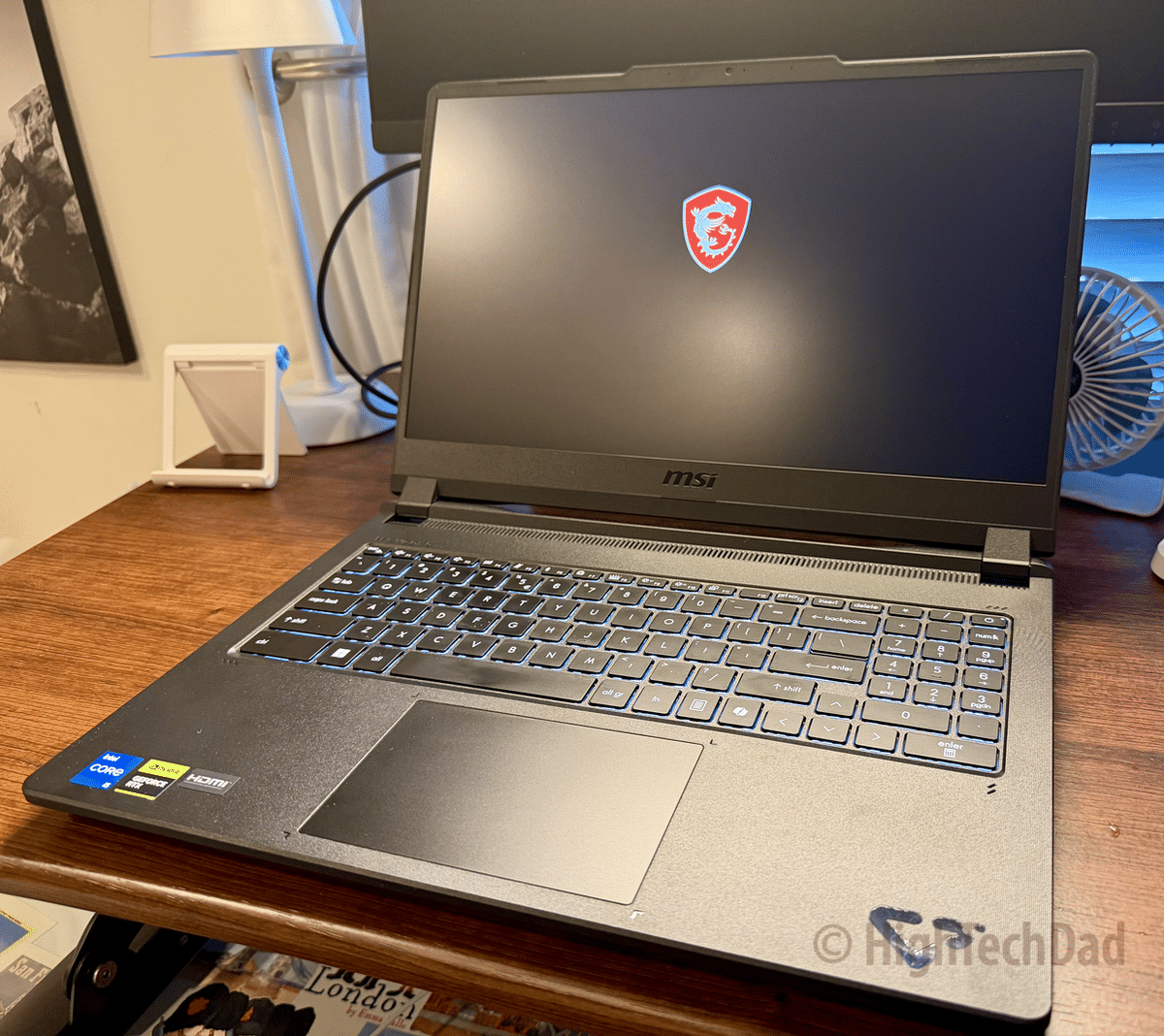
August 29, 2026
MERACH UltraWalk W60 Plus Treadmill Review: Finally, a Walking Pad That Feels Solid
MERACH UltraWalk W60 Plus review: a solid, quiet walking pad treadmill with a real 12% incline, 400-lb capacity, and Bluetooth speaker. I replaced our old $100 walking pad with it and tested it firsthand at home. Great for anyone who wants a sturdier, more capable walking pad without a full treadmill footprint.
Read more →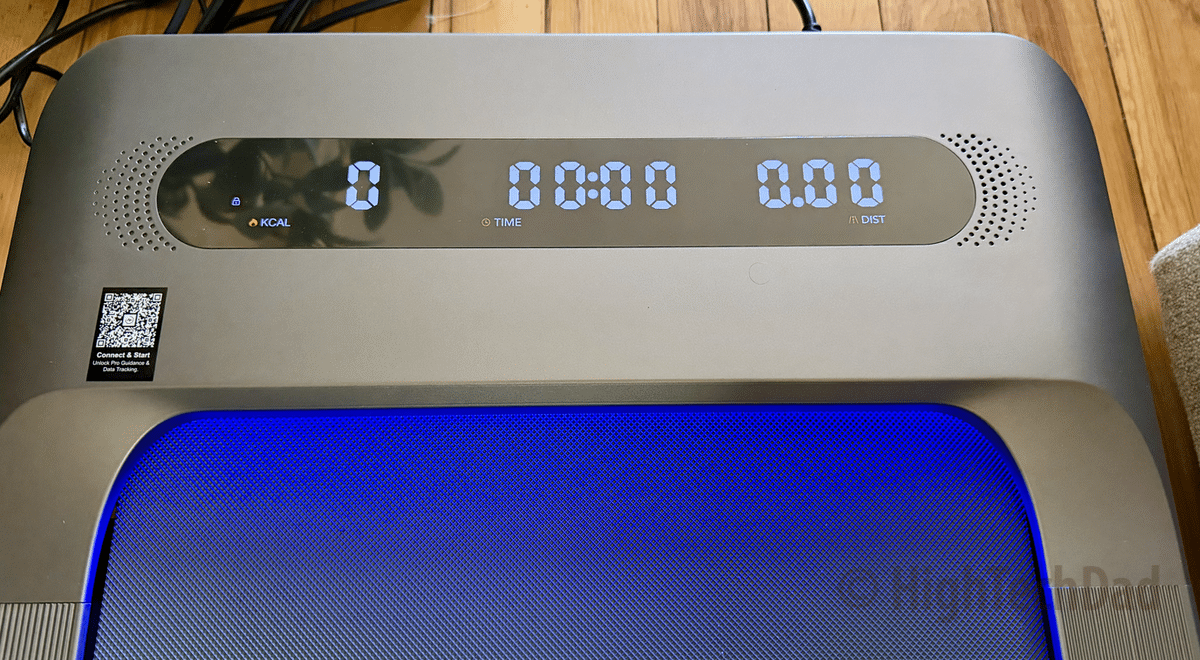
August 17, 2026
Sanyipace Smart Bidet (SU01B): A Hands-On Install and Review
The Sanyipace SU01B is a smart bidet toilet seat with heated seating, warm air drying, and a built-in water filter. I installed it myself in my decades-old house, worked through some plumbing surprises, and lived with it for a week with my family. Here's my honest review, including install tips, a remote control walkthrough, and whether the $240 price tag…
Read more →
July 30, 2026
MSI Stealth 16 AI+ Review: Local AI on a Thin, Lightweight Laptop Built to Do It All
The MSI Stealth 16 AI+ is the all-around machine: thin, light at 4.39 pounds, and built for gaming, content creation, AI, and everyday professional work without being optimized for any single one of them. Its RTX 5060 with 8GB of VRAM and a 2.5K Calman Verified OLED display make it a genuinely capable laptop, and local AI models run on…
Read more →
June 15, 2026
MSI Raider 16 Max HX Review: Running Local AI on a Gaming Laptop with RTX 5070 Ti and 12GB VRAM
I don't really game anymore, but when MSI offered me time with the Raider 16 Max HX, I said yes immediately because I wanted to run local AI on it. A high-end gaming laptop turns out to be exactly the right hardware for local LLM work, as long as you match the model to the machine. Get that right, and…
Read more →
April 6, 2026
MSI Prestige 14 Flip AI+ Laptop Review: A Well-Built 2-in-1 That Lets College Students Focus on College
MSI Prestige 14 Flip AI+ 2-in-1 laptop reviewed for college use, plus a look at the full Prestige Series lineup. Real-world battery, build quality, Nano Pen, and performance tested by a parent who's sent kids to college. Here's what the spec sheet doesn't tell you about whether this laptop survives four years of backpacks, late nights, and everything in between.
Read more →
March 27, 2026
Content Creators Can Now Get Rid of Bulky Tripods! KraftGeek JustTap Tripod Review
The KraftGeek JustTap Magnetic Phone Tripod is a 66-inch, tap-to-open MagSafe-compatible tripod that weighs just 15.8 oz and collapses to 13 inches, making it ideal for content creators, influencers, and anyone who films on the go. In this hands-on review, I put it through real-world use and found it to be a genuinely practical alternative to larger, bulkier tripods, with…
Read more →
January 12, 2026
DIY Drain Inspection that Saves Money: SANYIPACE Sewer Camera Review (S5517DC)
SANYIPACE S5517DC Screen Sewer Camera review: Hands-on testing of this 5-inch screen drain inspection camera reveals how DIY homeowners can diagnose pipe problems themselves. Features 66ft or 100ft cable options, IP68 waterproof rating, and recording capabilities. See if this $200-$275 tool can fit where professional cameras can't and potentially save you money on plumber visits. Real-world testing, honest pros and…
Read more →
December 17, 2025
HighTechDad’s 2025 Holiday Tech Gift Guide: The “Dad Approved” List
Discover the ultimate tech presents in HighTechDad’s 2025 Holiday Tech Gift Guide! This curated collection features top-rated, "Dad Approved" gadgets I’ve personally reviewed this year. From AI-powered note-takers and smart home upgrades to rugged audio gear and massive 500W chargers, find the perfect gift for the tech lover in your life. Explore expert reviews, shopping links, and practical advice for…
Read more →
December 16, 2025
Plaud Note and Plaud Note Pro Review: AI Note Taking That Actually Saves You Hours!
Plaud Note and Plaud Note Pro review based on real-world, HighTechDad testing. Compare features, transcription accuracy, and AI capabilities of these ultra-thin AI note-takers. Learn which model fits your needs, how the subscription works across devices, and whether the platform's 112-language transcription and summary templates deliver professional results for meetings, calls, and conversations.
Read more →
July 9, 2025
FEARWIKY Mini Projector Review & Video: 4K Support Under $60
The $55 FEARWIKY Mini Projector with WiFi 6 brings 130-inch big-screen entertainment anywhere, featuring 4K support, auto keystone correction, and smart TV capabilities. Perfect for families wanting movie nights without mounting TVs in every room. I tested streaming apps, ceiling projection, and real-world performance to see if this budget-friendly mini projector delivers on its promises for bedroom entertainment and outdoor…
Read more →
July 6, 2025
Why the UGREEN Nexode 500W Desktop Charger Solves Your Multi-Device Nightmare (Review & Video)
UGREEN Nexode 500W Charger review: This 6-port GaN desktop charger delivers 240W single-port charging and 500W total output. After hands-on testing, I'll show you why this $249 powerhouse is perfect for work environments, Apple ecosystems, and tech-heavy homes. Features thermal protection, tip-over safety, and can charge MacBook Pro 16" to 70% in 60 minutes. Compare specs, real-world performance, and see…
Read more →


