
“Apple” collection
Stay updated with the latest news and comprehensive tutorials focused on the entire Apple hardware and software ecosystem. This collection provides a deep dive into the devices and operating systems that define modern mobile and desktop computing.
HTD Tech Briefs
View all →February 21, 2012
The “i” in iRadar from Cobra Means “Intelligence” – A Smartphone Radar Detector
Many years ago, I had a few radar detectors. That was back when I had a fast little Honda CRX-Si - BWAK (Before Wife and Kids) and I tended to race around, watching for speed traps, and keeping my eyes and ears glued to my radar detector as I sped around. Now, I'm a bit more conservative on how I…
Read more →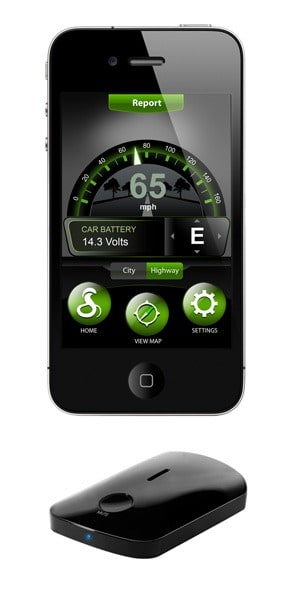
February 17, 2012
Extend Your iPhone 4/4S Power with the CasePower A4 Battery Case
I burn through batteries on my iPhones faster kids go through their Halloween candy. (Well, maybe not that fast but you get the point.) Just about every iPhone that I have owned, I have had to replace the battery in it (seem my iPhone 3GS & iPhone 4 posts on how to do this). But if you don't want to…
Read more →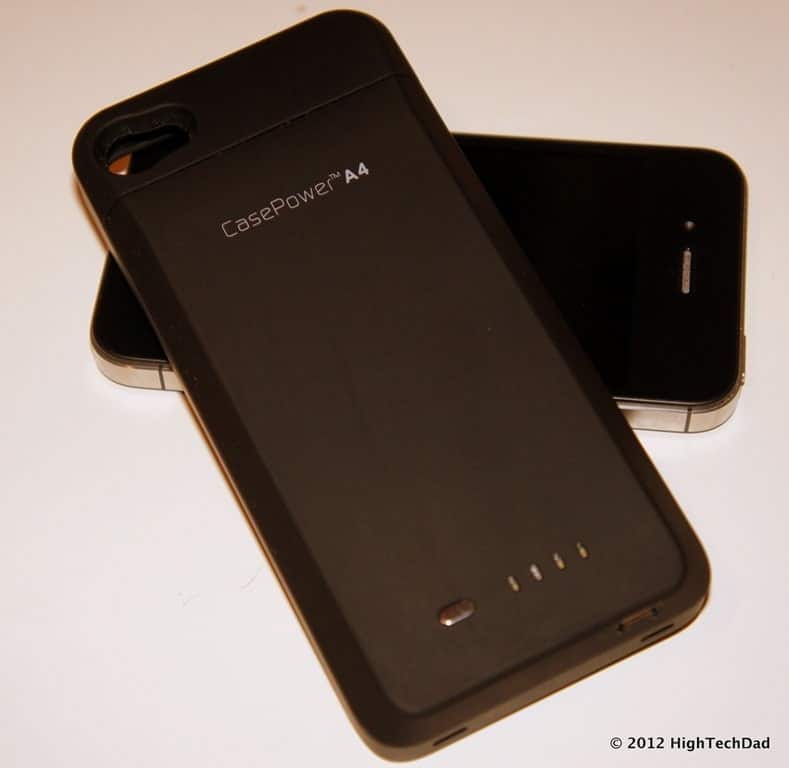
January 23, 2012
iOS 5 Tip: Using Siri As A Spell Checker and Spelling Assistant – Spelling Test Results!
For a few months now, I have been using the iPhone 4S and enjoying the wonders of Siri. There have been literally thousands of posts on tips and tricks that you can do with Siri (and I'm sure the one that I'm about to mention has been covered in some form or another). For those of you hiding under an…
Read more →
January 10, 2012
Video: How To Wrap a MacBook Air or MacBook Pro MagSafe Power Adapter the NEW Way
I have been in search of a really good way to wrap up my MagSafe power adapter for both my MacBook Air and MacBook Pro. The reason being, if you simply wrap them up the "conventional" way, you run the risk of fraying the connections which increases the risks of electrical shocks or shorting out your power adapters. And to…
Read more →
November 29, 2011
How To Configure Location-Based Reminders on the iPhone with iOS5
I kept hearing about how with iOS 5, you could set up Reminders that would trigger when you arrived or left a particular location. It's a pretty neat concept. You can program in an address, like your work, and set up a series of to-dos that magically remind you when you are geographically near that location. Or perhaps, you are…
Read more →
October 28, 2011
How To Fix Applications Crashing After Upgrading to Apple iOS5 on the iPhone, iPad or iPod Touch
The upgrade to Apple's iOS 5 is a few weeks behind us now and most people are up and running on it. And, now the iPhone 4S is out in the market and more people are migrating over from older iPhones to the new iPhone 4S. I haven't heard of too many issues as part of the upgrade process, though…
Read more →
October 17, 2011
iOS 5 Tips: Cell Data for Purchases, Custom Vibrations and Hourly Weather
Last week I talked about a few new tidbits and tricks in Apple's new version of its mobile operating system, iOS 5 (enable Emoji keyboard, get the camera button to appear in the lock screen and how to launch the new built-in dictionary). I have 3 more pretty cool little tips and tricks this time around, namely: cellular data for…
Read more →
October 14, 2011
iOS 5 Tip: How to Enable the “Smiley” Emoticon or Emoji Keyboard in iOS 5
Here is another great (and fun) feature that is buried deep within iOS 5 for the iPhone and iPad. And, when I showed this to my daughters, they were SO excited about it! We all love emoticons or "smileys" as many people call them. Well, now you can actually activate an "international" keyboard that contains literally a hundred different graphical…
Read more →
October 14, 2011
iOS 5 Tip: How to Launch the New Built-in Dictionary on the iPhone or iPad
I keep uncovering lots of little surprises in Apple's new iOS 5 software released this week for the iPhone & iPad. Yesterday, it was the activation of the camera button on the iPhone's lock screen. This one is just as useful and is extremely helpful. Included in the OS is now a full-fledged dictionary (that even looks like the dictionary…
Read more →
October 13, 2011
iOS 5 Tip: How To Activate the Camera Button on the Lock Screen on your iPhone
With iOS 5 for the iPhone launching yesterday, there are a flurry of new features that are coming to light. There has been plenty of coverage of these but I thought that I would pick a couple that are particularly cool or helpful and briefly discuss them. One of these is the camera button on the lock screen. Of all of…
Read more →
October 5, 2011
R.I.P. Steve Jobs – Your Inspiration Lives On
When Steve Jobs spoke, people listened. When he innovated, markets changed. When he had an idea, it was perfect. And now when he quietly leaves this world, we remember his incredible accomplishments as a leader, visionary and individual. In 2005, Mr. Jobs addressed the graduating class at Stanford University. He knew that his time was limited, but this did not…
Read more →
September 12, 2011
Moshi’s USB to Ethernet Adapter Makes the MacBook Air Even More Perfect
As I write this post on my Apple MacBook Air, I really struggle to think of things that would make it better. It's pretty much a near-perfect laptop in my opinion. It's lightweight, fast and has a good battery-life. It's a bit pricey but it seems to be holding its own pretty well within this new "Ultrabook" space. Honestly, I…
Read more →


