
“quicktime” collection
February 24, 2024
How To: Launch multiple instances of QuickTime Player to record several cameras at once
This How-To articles discusses how to launch multiple instances of QuickTime Player so that you can record different video/audio inputs simultaneously. You can use a Terminal command or create an AppleScript application.
Read more →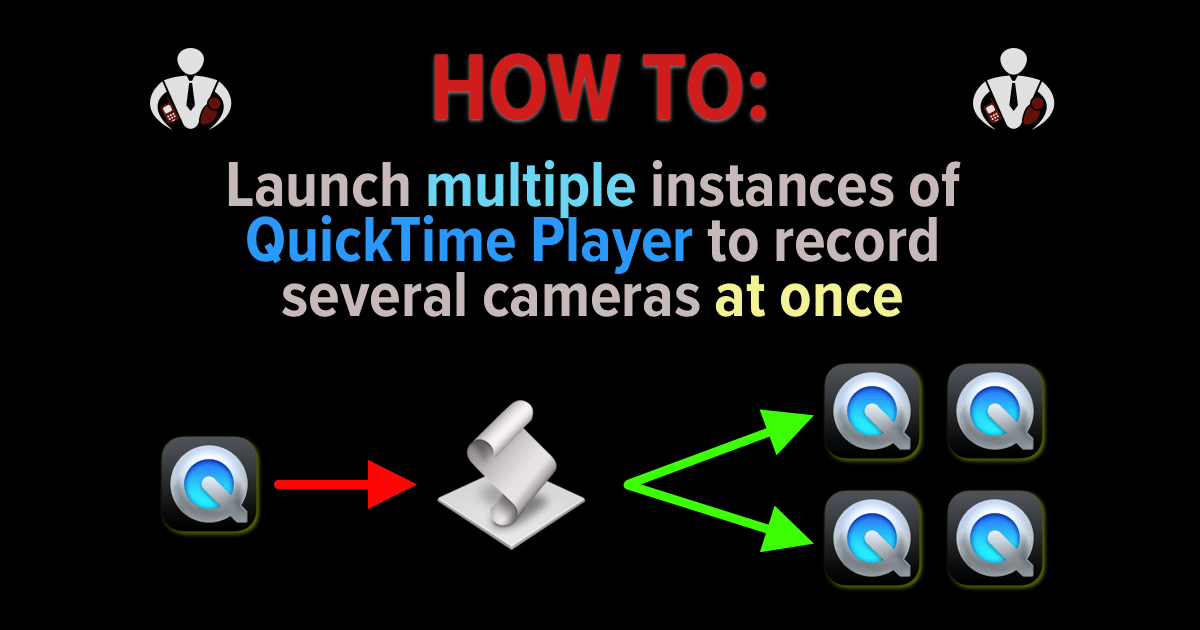
July 1, 2010
Do You Know About iTunes U? For Me, It’s Personal!
I received an interesting piece of news this week from Apple. No it wasn't about the iPhone 4 nor the iPad. It wasn't a software or hardware release even. It had to do with iTunes U and it was about passing a milestone. Have you heard of iTunes U? It's a section within iTunes that is devoted to Education and…
Read more →
July 17, 2007
Fix-it: iTunes 7.3.1.3 install Error 2908 on Windows
Well, I'm back from a vacation in Mexico and have been catching up on things. Playing with my new 4 Gig iPhone and getting things working has taken a little bit of time. In the process of doing that, I saw that there was an update to iTunes for PC (I'm on Vista Ultimate) for version 7.3.1.3 and I ran…
Read more →June 11, 2007
First Look: Safari 3 for Windows/Mac
While the announcements at the WWDC 2007 (Worldwide Developers Conference) in my opinion, lacked some things (e.g., new hardware announcements), the information about the up coming Leopard OS (due in October '07) did have me drooling a bit. And, Apple has started to extend its reach into the Windows arena similar to how they did with QuickTime and then iTunes.…
Read more →


