
Opens in a new tab

“tech tip” collection

  • November 29, 2011

    How To Configure Location-Based Reminders on the iPhone with iOS5

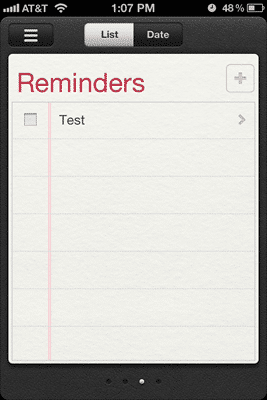
    I kept hearing about how with iOS 5, you could set up Reminders that would trigger when you arrived or left a particular location. It's a pretty neat concept. You can program in an address, like your work, and set up a series of to-dos that magically remind you when you are geographically near that location. Or perhaps, you are…

    Read more →
    HTDiOSlocationreminder1
  • June 9, 2011

    How To Get the UDID/UUID of your iOS Device – Even In A Panic

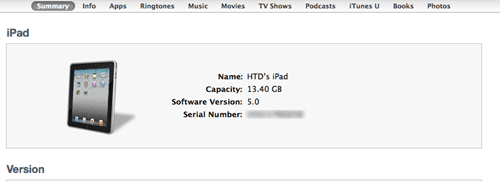
    Most iOS developers know that in order to "activate" your iOS device (e.g., iPhone, iPad, iPod Touch) to use the latest beta of iOS 5, you need to have your UDID/UUID officially registered with Apple in their Development center. I learned this the hard way as I had not recorded it and had installed the iOS beta 1 and was…

    Read more →
    iTunes_summary

About HighTechDad

Michael Sheehan (“HighTechDad”) is an avid technologist, writer, journalist, content marketer, blogger, tech influencer, AI investigator, husband, and father of 3 girls living in the San Francisco Bay Area. This site covers technology, consumer electronics, Parent Tech, SmartHomes, AI, gadgets, software, hardware, parenting “hacks,” and other tips & tricks.

Uh-oh! It looks like you're using an ad blocker. HighTechDad.com relies on ads to provide free content and sustain my operations. By turning off your ad blocker for HighTechDad, you help support me and ensure I can continue offering valuable content without any cost to you. I truly appreciate your understanding and support. Thank you for considering disabling your ad blocker for this website! Cheers, Michael ("HighTechDad")