
“Microsoft” collection
Master your productivity with in-depth guides on the Microsoft ecosystem, including Windows operating systems and Office software. From software troubleshooting to Surface hardware reviews, these articles offer practical solutions for both professional and home environments.
January 1, 2022
10 Things to Love about the Lenovo Yoga 9i 2-in-1 Laptop – Review
Review of the Lenovo Yoga 9i 2-in-1 laptop that has 4 unique viewing & usage positions. This multi-purpose Windows laptop is great for all types of work.
Read more →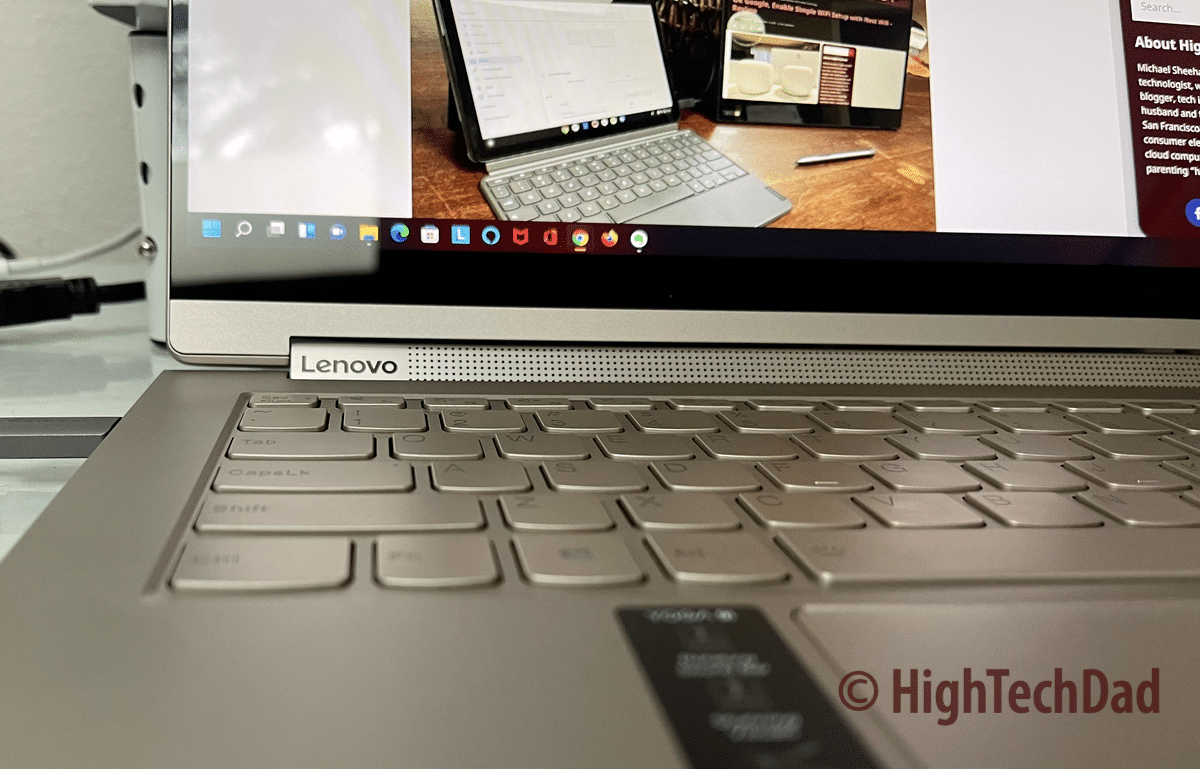
June 20, 2021
Use OneDrive and Time Machine? How To Fix One Annoying Error in Time Machine Easily!
How to troubleshoot an Apple Time Machine error and why Microsoft OneDrive might be the thing causing the error in the first place.
Read more →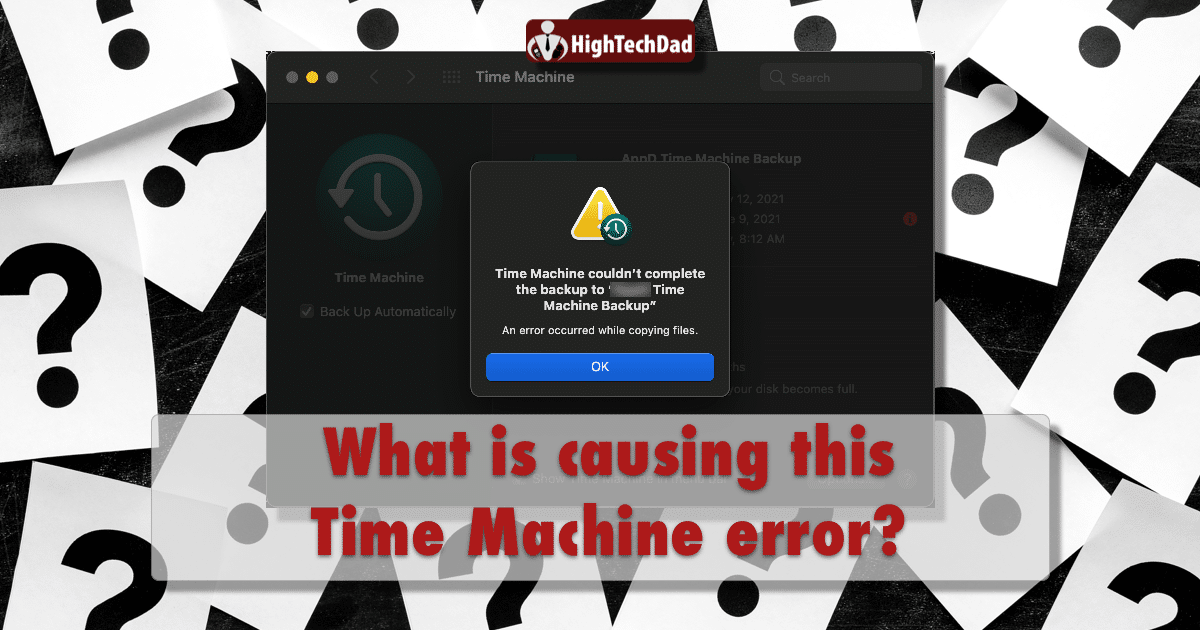
January 10, 2021
How to Easily Convert Word Footnotes to Endnotes In Bulk
This How-To article discusses the easy way to convert Microsoft Word footnotes to endnotes (or vice versa) individually or in bulk & how to format the footnote or endnote numbering.
Read more →
January 12, 2020
How To Fix Almost Any Mac Software Problem Using these 4 Techniques
This How To article walks through 4 critical techniques to resolve almost every macOS software problem using proven tactics. Tips can be used with PC's too.
Read more →
February 1, 2019
How to Save Huge Amounts of Hard Drive Space Using OneDrive’s On-Demand & Selective Sync
How to use Microsoft cloud storage & file syncing software & service, OneDrive, with new On-Demand and Selective Sync features to save hard drive space.
Read more →
July 23, 2018
How To Fix Track Changes in Microsoft Word 16 for Mac Reverting to “Author” [VIDEO]
Is your author or user name showing as "Author" in your Microsoft Word for Mac when you edit & track changes & not your actual user name? Here's how to fix!
Read more →
January 19, 2018
How To Create a “Work” Menu in Office 2016 & Office 365 of Pinned Documents
In previous versions of Microsoft Office for Mac, you were able to create something called a "Work" menu. In Office 2016/Office 365, you can no longer do that. But, there is a way to use similar functionality to get the same results. It's easy and this article shows how to do it.
Read more →
October 5, 2017
How To Easily Apply Multiple PowerPoint Slide Designs or Themes to a Single Presentation
How to easily apply multiple designs, themes, and styles on a single Microsoft PowerPoint presentation. It's a lot easier to do than you might think!
Read more →
September 15, 2017
Windows 10 Screensaver Not Working? Try These Fixes! [Updated]
Did your Microsoft Windows 10 screensaver stop working? Here are some tips on how to find the screen saver settings and how to fix the issue on Win10.
Read more →
February 6, 2017
OneDrive Sync Issues? How To Reset OneDrive for Mac the EASY Way! [UPDATED w/ Video]
Have issues with Microsoft OneDrive for Mac? Sometimes you need to reset OneDrive to fix it. Here is the easy way to reset OneDrive.
Read more →
October 1, 2016
How To Set the Default Email Client on MacOS High Sierra, Sierra & El Capitan
Wondering how to set the default email client on MacOS Sierra or El Capitan? The steps are easy (but not intuitive). Here's how!
Read more →
July 13, 2016
MALWARE WARNING: EMAILDOMAIN plus “_contract.doc” has a Malicious Word Macro – Analysis & Details
Warning about a malicious Word macro that comes as an email attachment with "_contract.doc" as part of the file name. Also contains analysis about threat.
Read more →


