“General” collection
Access a diverse collection of miscellaneous technology reviews, specialized DIY tool assessments, and unique lifestyle articles. From niche electrical equipment to general digital organization tips, this section covers the broad spectrum of a tech-focused life.
December 10, 2008
HTD Tech Tip #6: Putting your Cell Phone on Tinfoil Means No Speaker Interference
Have you ever heard the electronic buzzes and tones (called TDMA noise) that come from your computer speakers when your iPhone or other cellular phone is in close proximity? Typically this happens when your phone is downloading data or about to receive a call. It is EXTREMELY annoying. That is part of the reason why, if you use an FM…
Read more →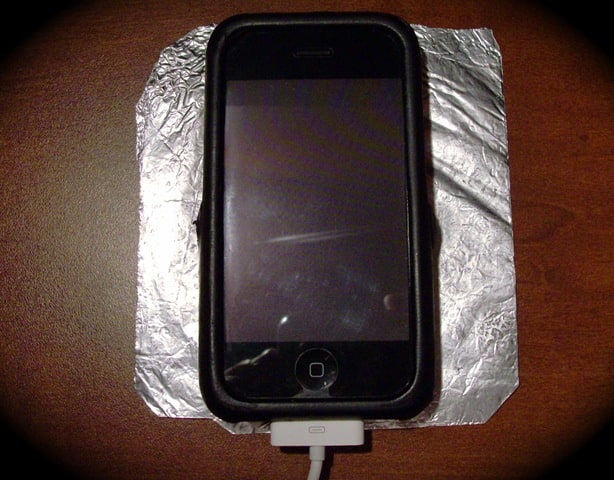
December 4, 2008
HTD Tech Tip #5: How to Stop Squeaking Computer Bags
I have a great computer bag, believe it or not, it is called "The Blogger" by Timbuk2, appropriate, right?. I have practically no complaints about it, with one BIG exception. It squeaks! When I walk, the hinge seems to rub back and forth, causing a grinding/squeaking noise. It is extremely annoying! You can see the hinge circled in red in…
Read more →
November 25, 2008
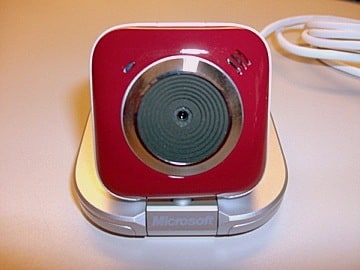
Microsoft and Family – LifeCam VX-5500 & Microsoft Office 2008
When you think about Microsoft, the first thing that comes to your mind is probably not Family. If you are like me, Microsoft software rules your computer at your office and runs the infrastructure there as well. Microsoft has done quite well in securing the business space from desktop productivity tools like Office to BackOffice systems that get your email…
Read more →
November 17, 2008
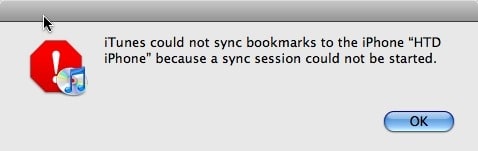
Fix-it: iPhone “Sync Session Could Not Be Started”
Well this past weekend I ran into a rather confusing problem which I did manage to resolve, however, I'm not sure exactly how I resolved it nor what really caused it. I have some ideas on both the cause and resolution so I will try to work through those here. This all came when I tried to sync my iPhone…
Read more →
November 12, 2008
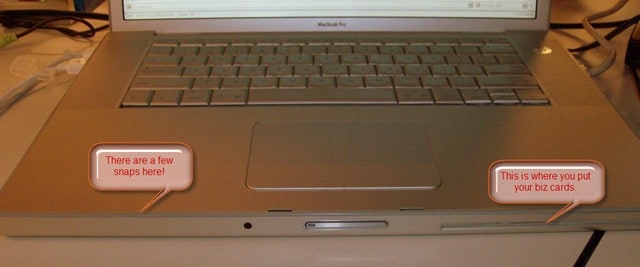
Tip: Snapping a MacBook Pro or PowerBook Upper Case Back Together
I have, over the years, cracked open a few PowerBooks and MacBook Pros, either to change a DVD drive or to upgrade the Hard Drive. My latest upgrade I did was to put a 320 GB Hard Drive in my MacBook Pro. I actually got pretty quick at it as I had to do it a couple of times. There…
Read more →
November 10, 2008
HTD Tech Tip #4: How to Organize Tech Manuals and Documents
Have you ever been searching for a receipt for some sort of a gadget or tech device that you purchased? What about trying to remember what was covered under the warrantee? And if you are like me, you have manuals stored in random drawers or bookcases. Do you even know where that big screen TV manual is at? Nowadays, with…
Read more →
November 7, 2008
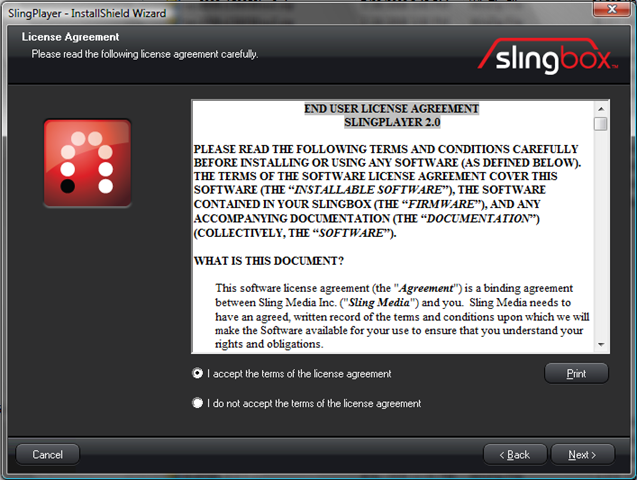
Slingbox PRO-HD: Initial Setup
So by now you have gone through the Slingbox Pre-installation tasks of setting up your network (wired, wireless or over the powerlines) and you have checked through the box to be sure that you know what connectors you need and how to use them. Let's take a look at the steps of setting up and configuring your Slingbox PRO-HD for…
Read more →
November 4, 2008
HTD Tech Tip #3: Security Programs Don’t Always Play Well Together
It's always important, if not critical to have anti-virus & security programs installed on your PC. I'm actually a big fan of the various Security Suites that you can get that come with all of the different types of protection packaged together (firewall, anti-virus, ant-spyware, anti-malware, anti-spam, etc.). With the all-in-one package, you don't have to worry about compatibility. There…
Read more →
October 30, 2008
Slingbox PRO-HD: Unboxing and What’s Inside
Unboxing is always the most fun when you get a new gadget. Since I just love getting new devices, I frequently find myself in the position of either being torn between ripping open the packaging and quickly setting up what ever the new technology (much like a kid), or that of being a more rational adult, one that realizes that…
Read more →
October 23, 2008
Slingbox PRO HD: Pre-Installation – setting up your network
So, you are thinking about getting the new Slingbox PRO HD. Trust me, it's a great decision. The PRO HD transforms any computer in your network or even remotely an extension of your media center but more about the Slingbox PRO HD feature set later. There is something critical to having a Slingbox though that it cannot exist without, namely…
Read more →
October 20, 2008
HTD Tech Tip #2 – Be nice to your IT resource!
Being nice to someone should go without saying. So why is it that people seem to forget this when they need technology help? Is it that people consider Tech Support to be a given, meaning IT help should be provided regardless of how it is asked for? I try to apply “being nice†to ANYONE who knows more about something…
Read more →
October 17, 2008
HTD Tech Tip #1 – Your hardware/software is always out of date
As it seems to be taking some time for me to produce longer reviews, I thought that I would start a new smaller, on-going series of posts called “HTD Tech Tipsâ€. (HTD stands for HighTechDad.) When I come across something, a tip, trick, software or hardware item that I think is particularly noteworthy, I will write a small (hopefully) post…
Read more →